

Study timer with breaks
Set a timer, put your phone face down, and work on one thing until it ends. Then take a short break. This timer runs right here in your browser, and Lumi's stone glows a little brighter every minute you stay with it.

Pick a length and press Start.
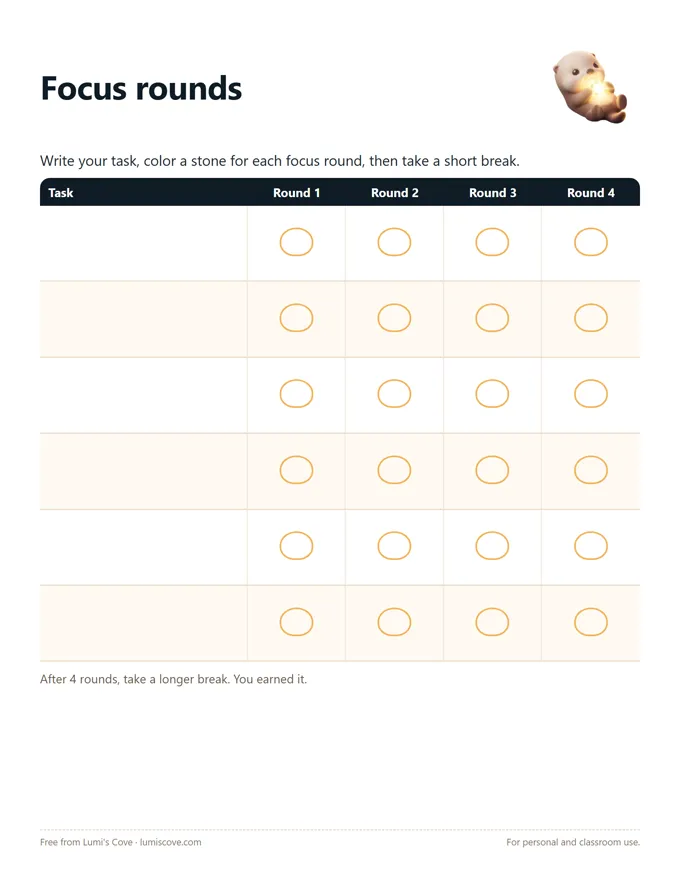
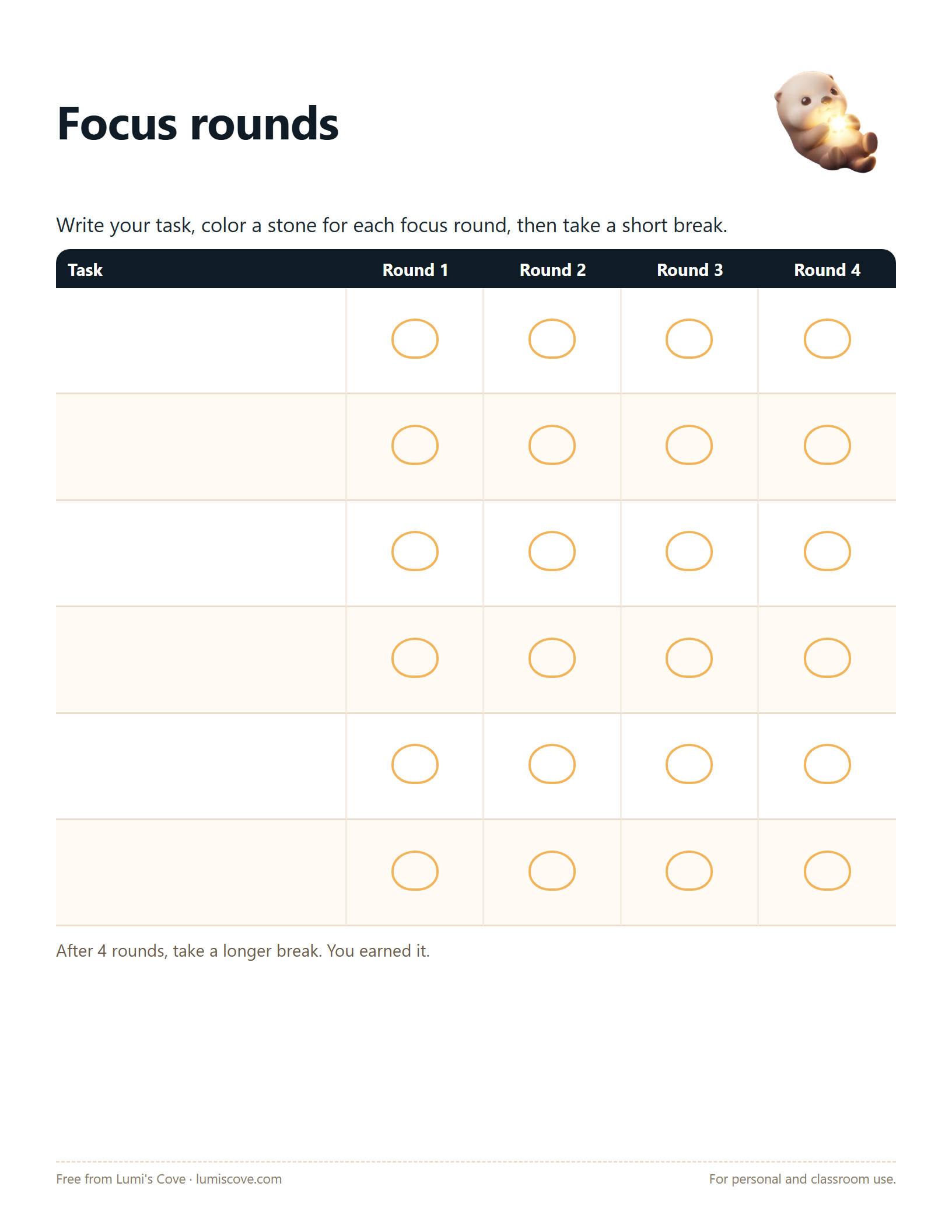
Download and print
One US Letter page. Prints well in color or black and white.
For parents: no ads, no chat, no accounts, nothing to buy. Kids never type anything here. Our note for parents
How to use it
- Pick one task and write it down.
- Choose 25, 45 or 15 minutes and press Start.
- When it ends, take a 5 minute break: stretch, get water, look out the window.
- After four rounds, take a longer break.
Tips
- Keep the tab open; the timer keeps going even if you switch apps.
- There is no sound, so check back when you think it is close, or use the printable tracker to tick off rounds.
Questions
Does this timer make a sound?
No. It is silent so it works in libraries and classrooms. The page title shows the time left, and Lumi cheers when it is done.
Do I need to sign up?
No sign up, no account, nothing to install.
More like this
 School and study
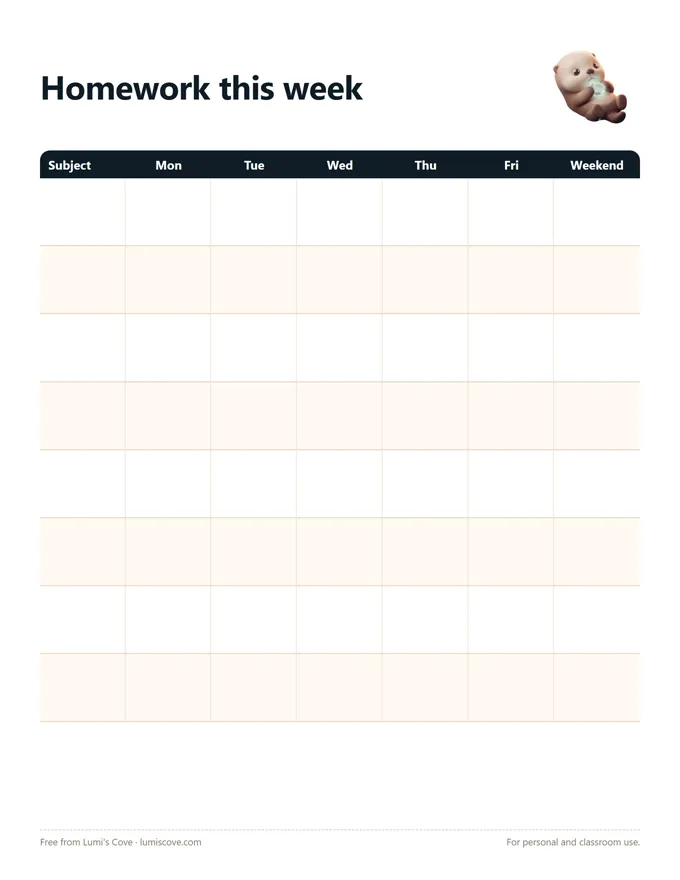
Weekly homework planner
A free printable weekly homework planner for students: subjects, due dates, and a done box for each day.
 School and study
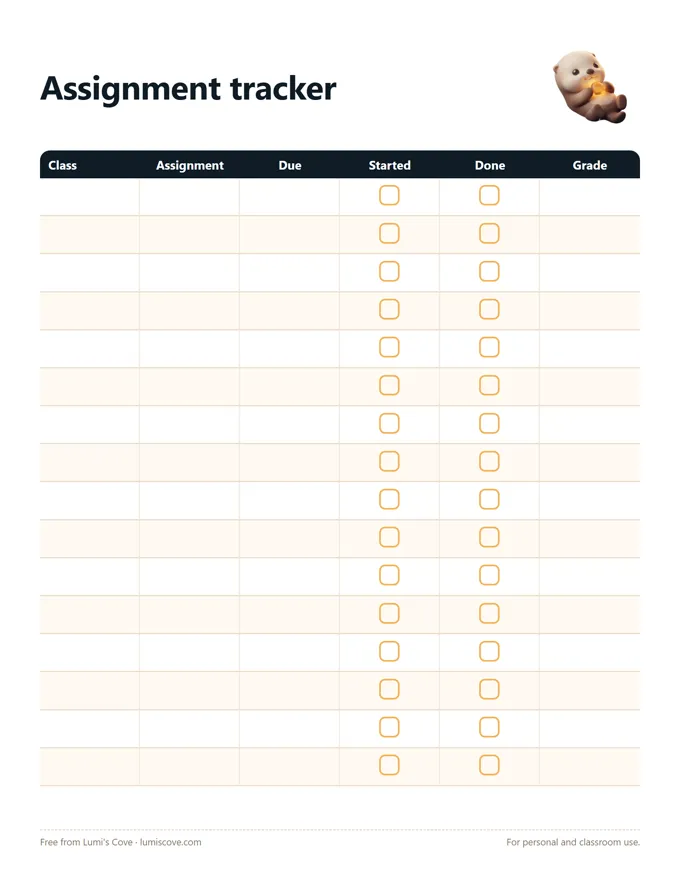
Assignment tracker
Track every assignment, due date and grade on one page.
 School and study
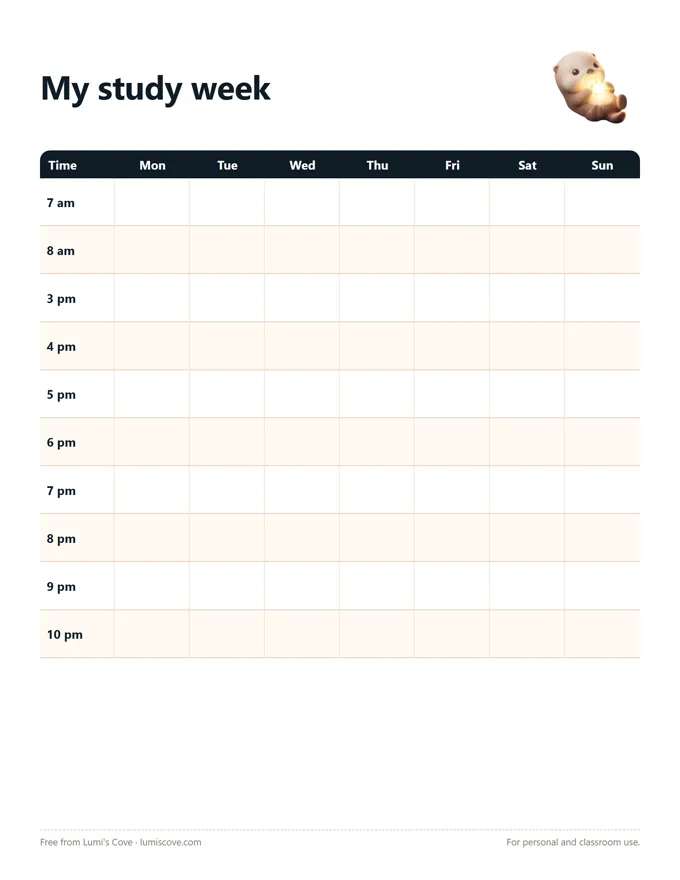
Weekly study schedule
Plan when you study each subject this week, hour by hour.
Get a letter from the cove
One cozy email a week: a new wallpaper or printable, news from Glimmer Cove, and the day each Lumi app comes out. Leave any time.